Scriveno for Chrome
Convert handwritten notes without leaving the tab you're on. Drop in a file or capture the page, then download LaTeX, PDF, Word or Markdown.
Add to ChromeConvert on the website
Also available for Firefox. A Microsoft Edge version is on the way.
How the extension works
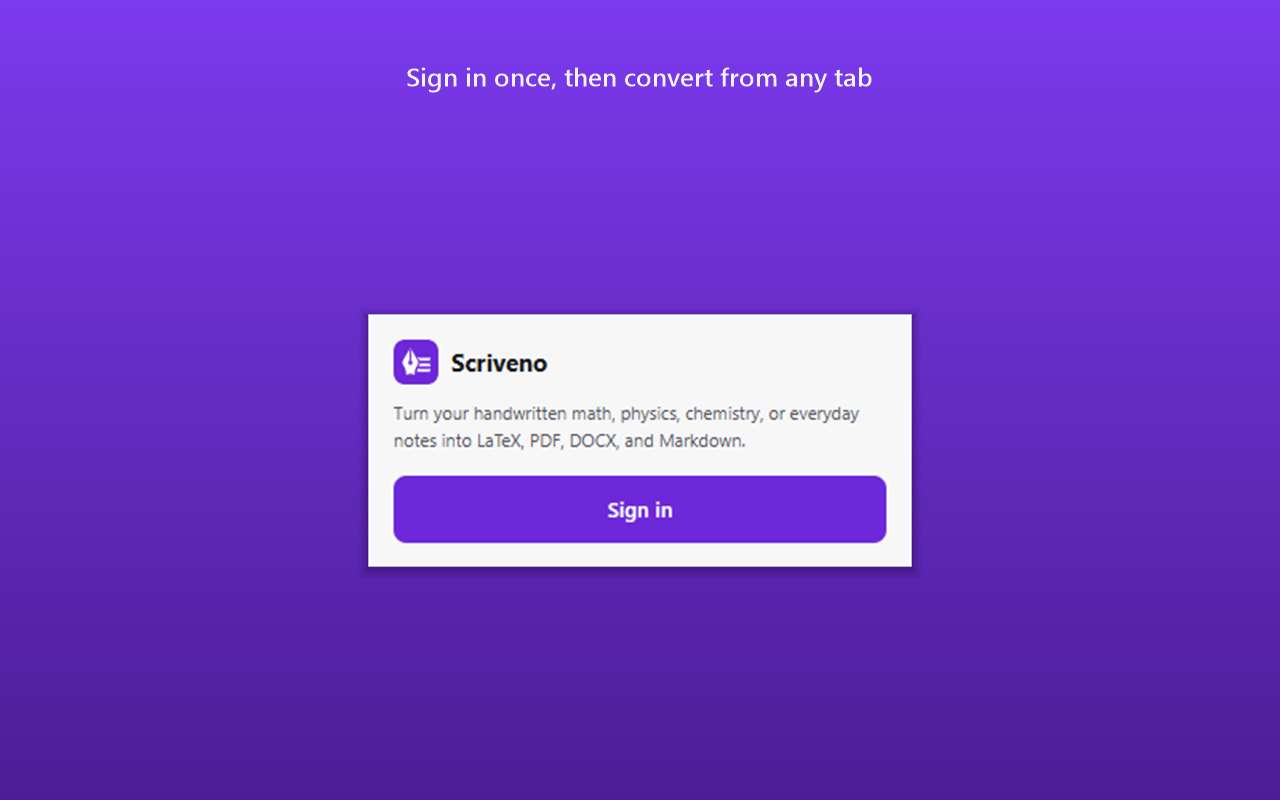
Sign in once
Sign in with your Scriveno account. The extension stays signed in until you sign out, so you don't have to log in each time.
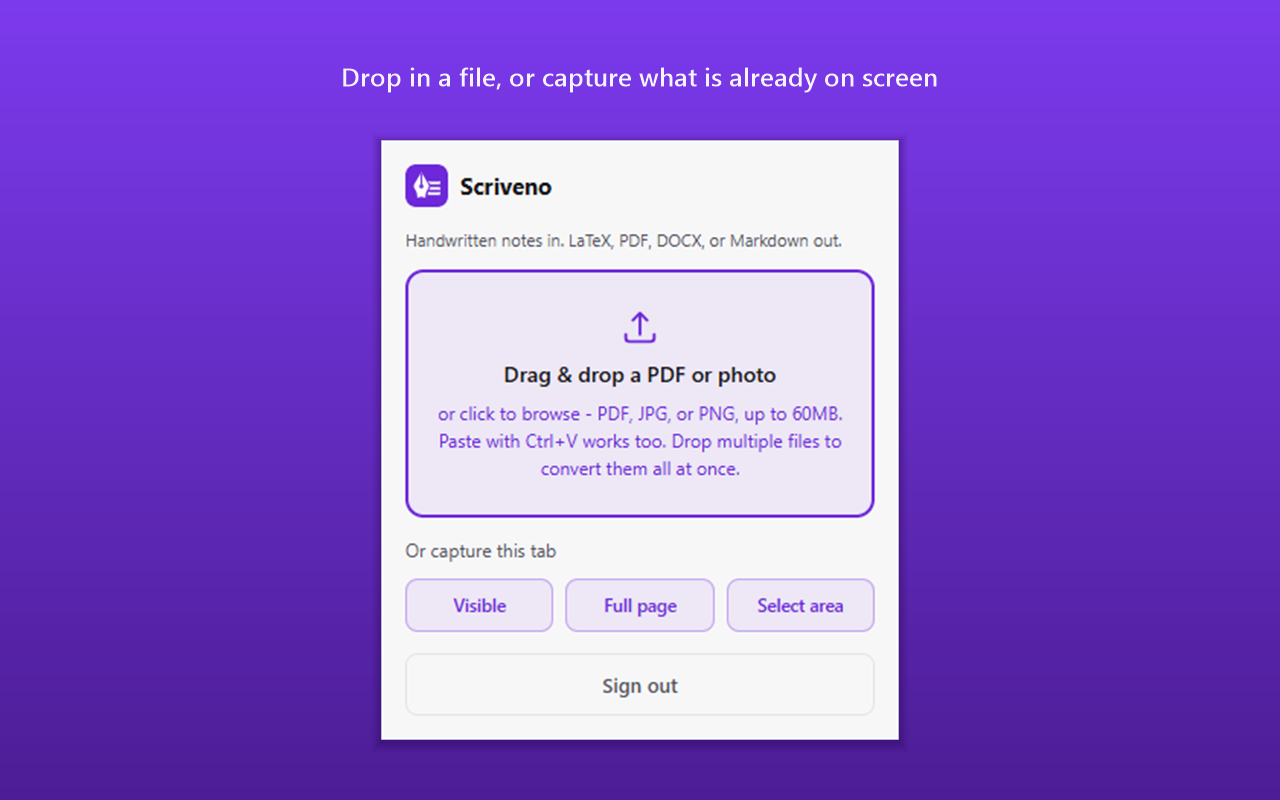
Add a file or capture the tab
Drop in a PDF, JPG or PNG, paste an image with Ctrl+V, or capture the tab you're on. You can drop several files at once.
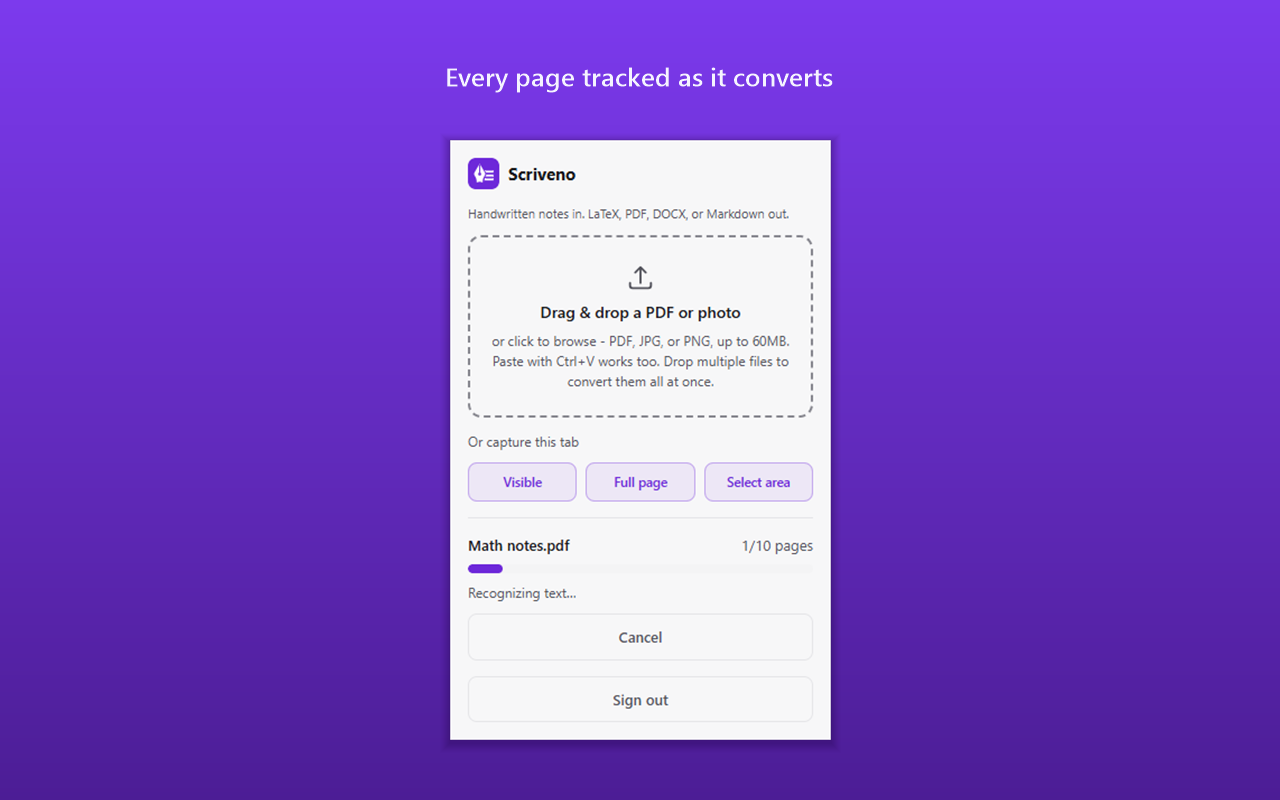
Follow each page
A progress bar shows each page as it converts. Close the popup if you like: the conversion carries on, and the extension notifies you when it's done.
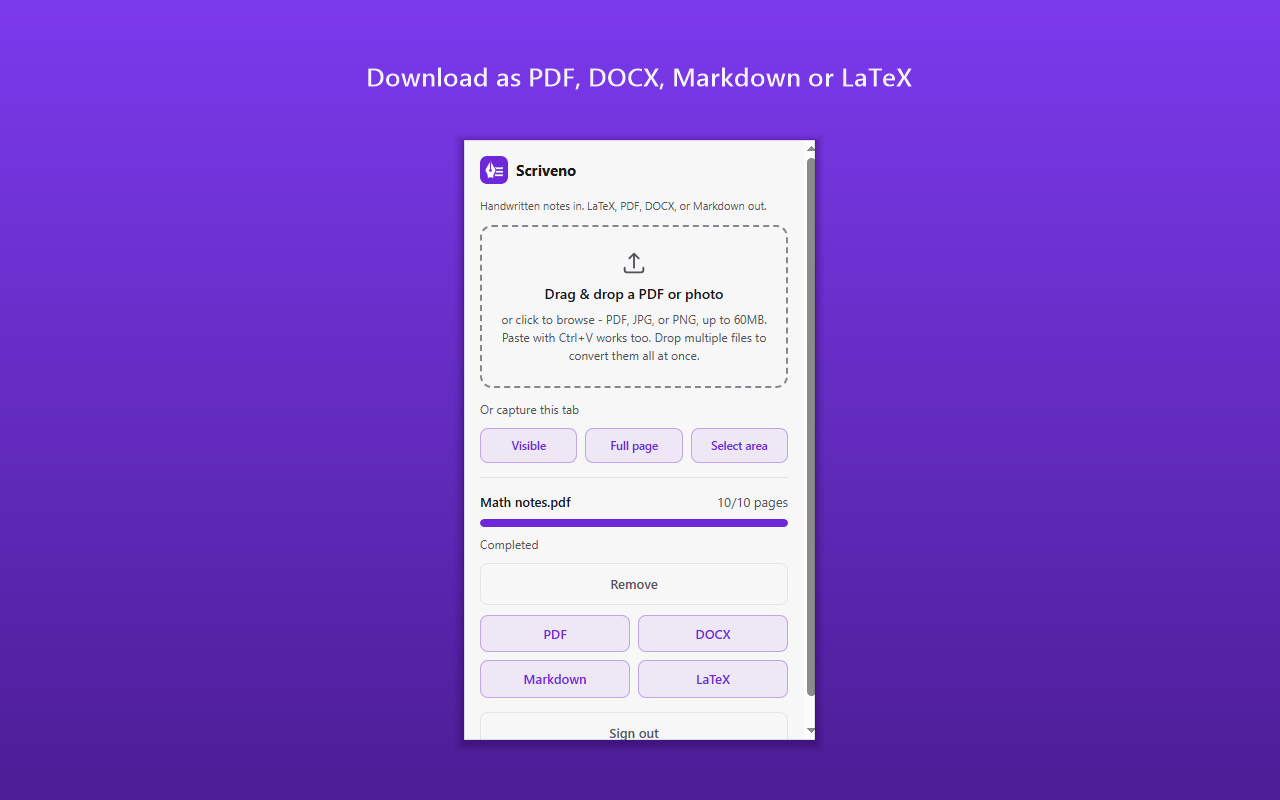
Download the result
Download the notes as a typeset PDF, a Word document with editable equations, Markdown, or LaTeX.
Built for notes you already have open
Lecture slides, a scanned problem sheet in a PDF viewer, a photo of the whiteboard in your email: if it's on screen, you can capture it and get it back as a document. The conversion is the same one the website runs, so math comes back as LaTeX, Word files get editable equations, and hand-drawn diagrams are kept. See how it handles handwriting to LaTeX, physics notes and chemistry notes.
Frequently asked questions
- Is the Scriveno extension free?
- The extension is free to install. Conversions count toward your Scriveno plan, exactly as if you had uploaded the file on scriveno.com, and the Free plan works with it. See plans
- Do I need a Scriveno account?
- Yes. You sign in with your Scriveno account the first time you open the extension, and it stays signed in until you sign out. You can also disconnect it from the Connected apps section of your profile page.
- What can it capture from a page?
- Three things: what's visible in the tab right now, the full page (it scrolls and stitches the page into one image), or an area you drag to select. That's useful for lecture slides, a problem sheet or notes open in the browser.
- Does the extension read the pages I visit?
- No. It can only see a tab at the moment you select Visible, Full page or Select area. It doesn't read page content in the background. The only background activity is checking whether a conversion you started has finished. Read the Privacy Policy
- Which browsers does it work in?
- Chrome and Firefox, including Firefox for Android. A Microsoft Edge version is on the way. Until then, you can convert notes from any browser on scriveno.com.
- Are the results the same as on the website?
- Yes. The extension sends your file to the same conversion as scriveno.com, so you get the same LaTeX, PDF, Word and Markdown output.